Live, from your phone
Request your song. Support your DJ.
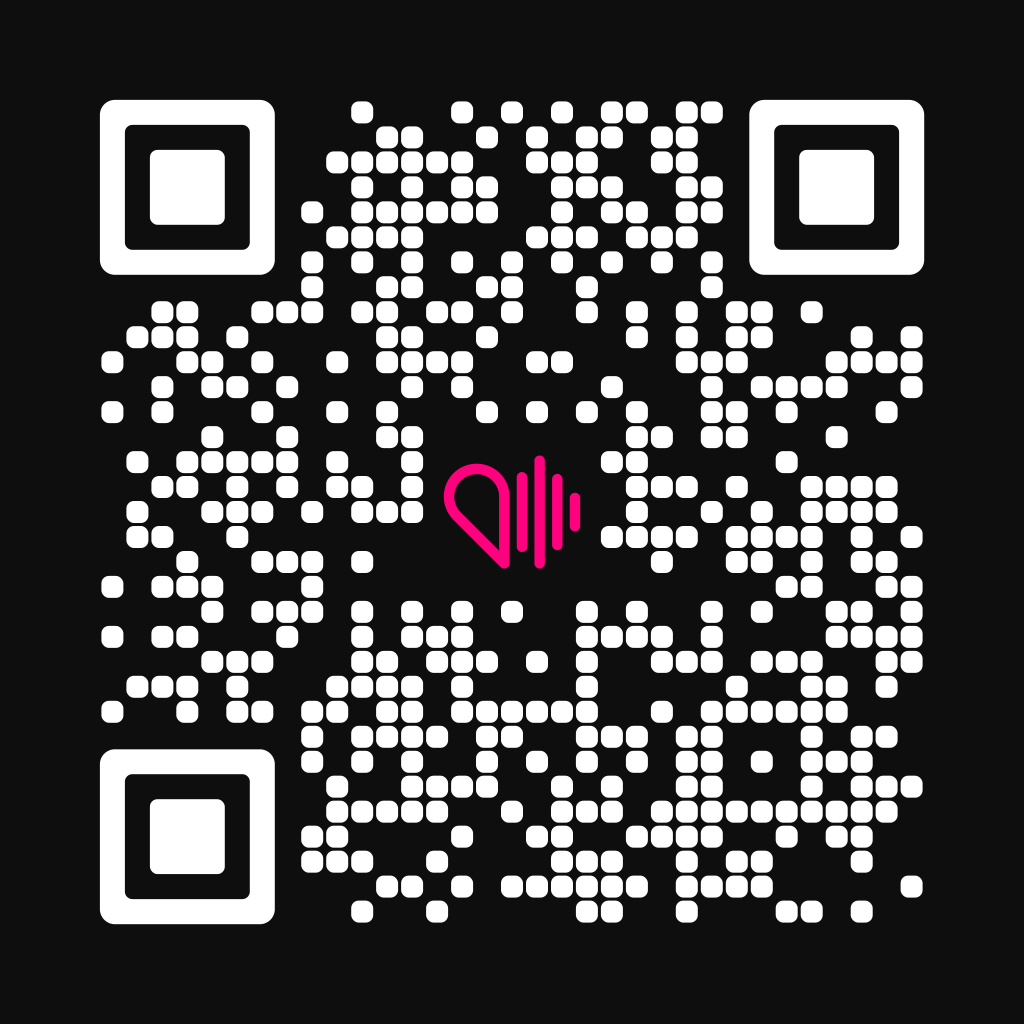
Scan the DJ's QR code and request your song from your phone, with a tip to say thanks. No account, nothing to install.
- Apple Pay and Google Pay
- Only charged if the DJ accepts

How it works
From QR code to DJ booth in seconds
It all happens in your phone's browser, in less time than a song lasts.
- 01Scan the DJ's QR codePoint your camera at the code in the DJ booth. Their page opens right away.
- 02Pick your songSearch by title or artist and add a dedication if you like.
- 03Tip your DJPay with Apple Pay, Google Pay or card. Your tip is held until the DJ accepts.
- 04Hear it playWe'll tell you when the DJ accepts. With the app you'll also see when it plays.
Illustrative example

“For Laura, 30 today”
- TitaniumDavid Guetta, SiaNow playing
- Lose ControlTeddy SwimsAccepted
In the booth
The DJ sees your request right away
Every request reaches the booth with everything the DJ needs to decide. One tap to accept or decline.
- The DJ calls the shotsNothing makes it into the set unless the DJ accepts it.
- Dedications checkedWe check every dedication before it reaches the booth.

Your tip
Only charged when the DJ accepts
When you request, the tip is held on your card. If the DJ doesn't accept your song, it's released and you pay nothing.
Held until accepted
If the DJ declines your request or time runs out, the hold is released automatically.
Pay the way you always do
Apple Pay, Google Pay or card, in one tap and with no account.
For tonight's DJ
Your tip goes to whoever is behind the decks. It's your way of saying thanks.
Wherever there's a DJ
Works on any dance floor
At a wedding or on a summer terrace: if the DJ has their QR code, you can request your song.


For DJs
Your crowd requests songs. And tips you.
With the WeSound app your QR code is ready straight away. Show it in the booth and the room requests songs with a tip.
- Your QR code, always at handShow it in the booth or share the link. Anyone who scans it can request songs.
- You set the minimumSet the minimum tip for each event. Requests come in with their amount.
- Paid to your accountTips from the requests you accept go to your bank account.
Signing up is free. WeSound keeps 15% of each accepted tip.
FAQ
FAQ
Do I need the app to request a song?
No. Scan the DJ's QR code and do everything in your phone's browser. The app lets you follow your request and know when it plays.
When is my tip charged?
When the DJ accepts your request. Until then the tip is held; if the DJ declines or time runs out, it's released and you pay nothing.
What if the DJ accepts it but it never plays?
Let us know in the app that it didn't play. We'll look into it and, if you're right, we'll refund you.
How can I pay?
With Apple Pay, Google Pay or card. No account needed.
Does the DJ have to play my song?
The DJ decides what plays in their set. That's why you're only charged if they accept your request.
I'm a DJ. How much does it cost?
Signing up is free. WeSound keeps 15% of each tip you accept and the rest goes to your account.
Who's behind WeSound?
WeSound is a product of POLARGATE, S.L., a company based in Madrid, Spain. Write to us at hello@wesound.pro.

The next song is yours
Look for the DJ's QR code in the booth. And if you DJ, get the app and make your own.